
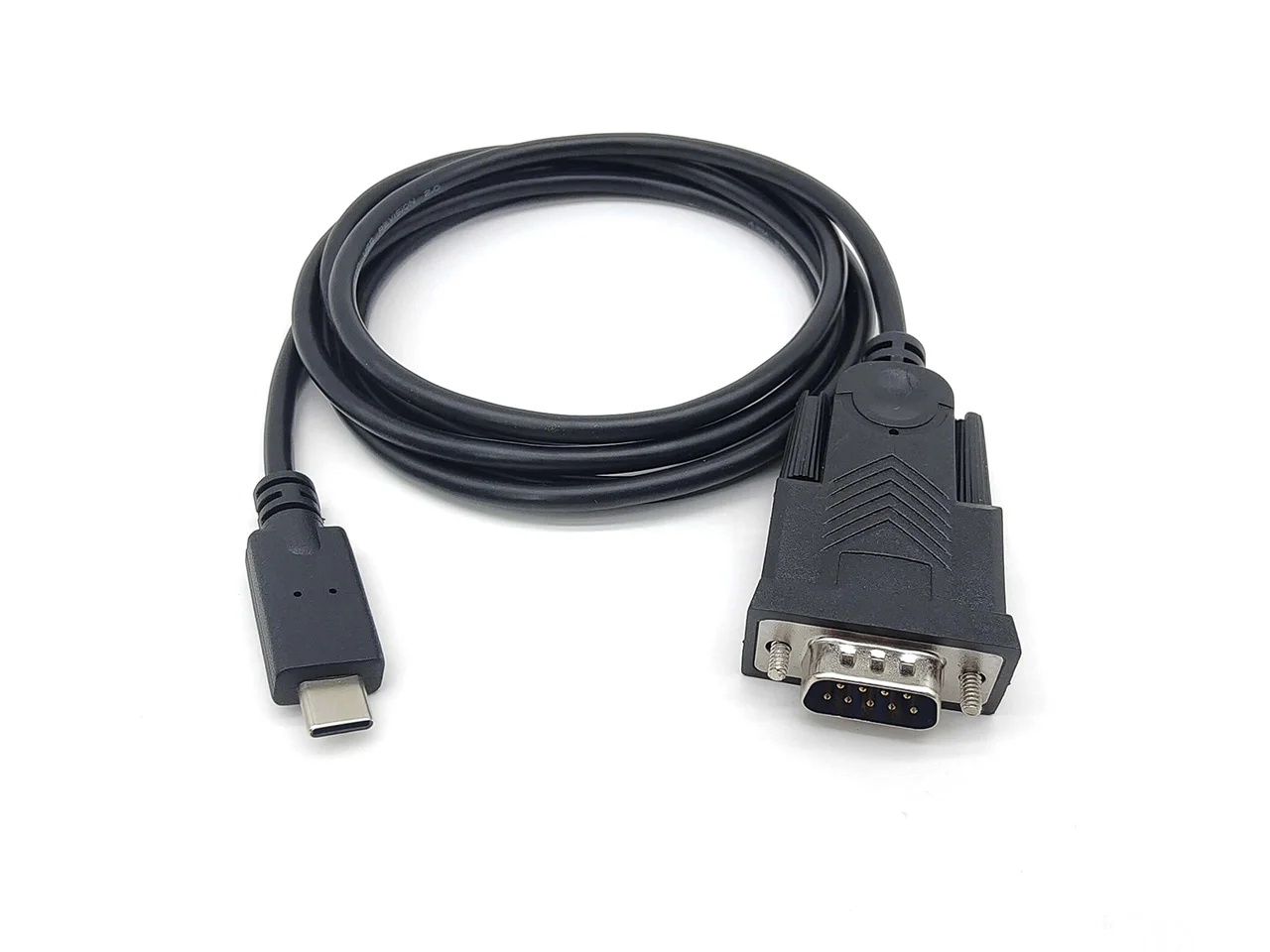
QC40A00
USB to RS232 Converter Cables
USB-A / USB-CDB9 / DB25 / RJ12 / Open end
View cableListed length options: 1.8 m
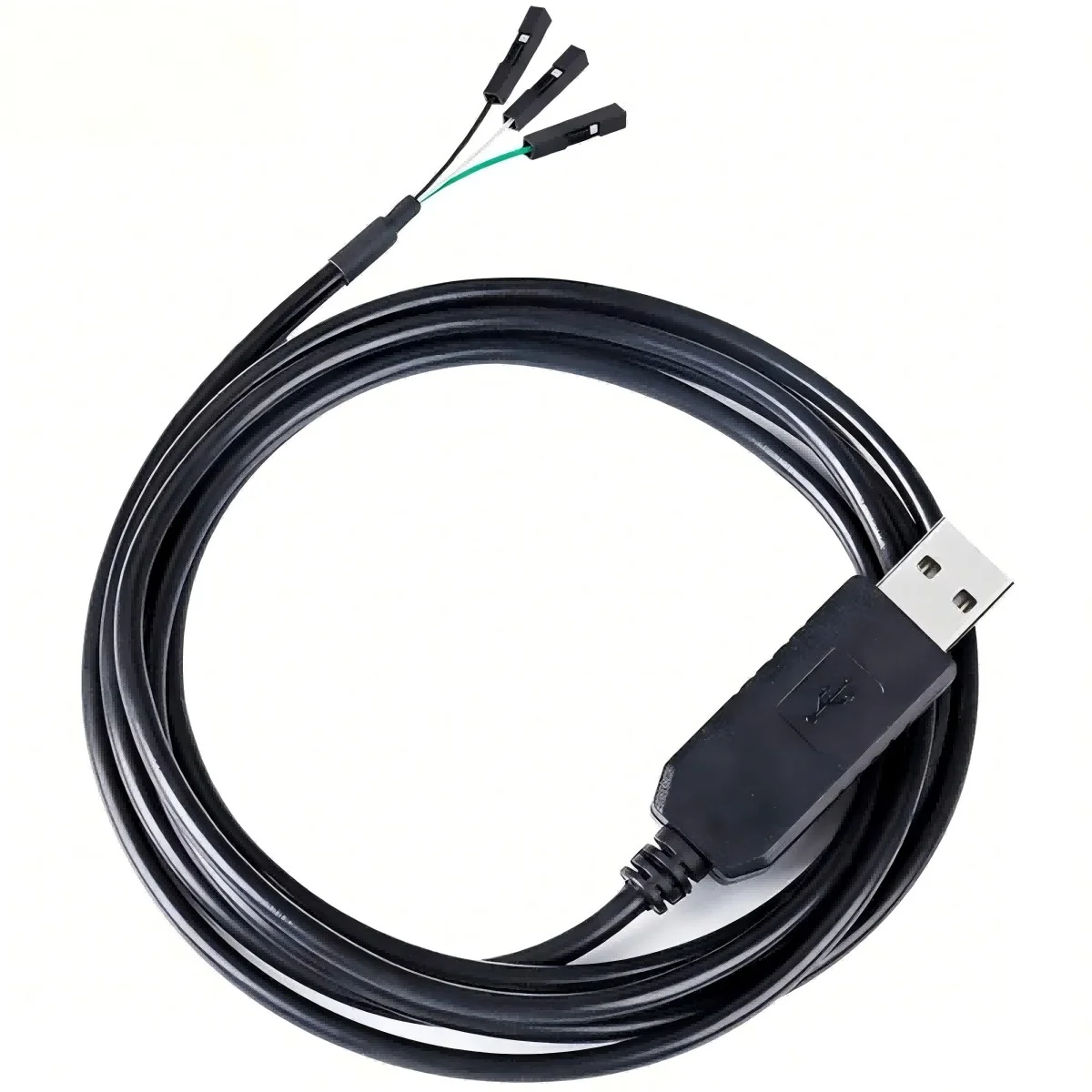
QC42A00 — USB to TTL UART Cables. Connector A: USB-A / USB-C; Connector B: UART flying leads / header.
Review the connections and installation requirements for this assembly. Share the model and your project requirements for a quotation.
Confirm the exact configuration, dimensions and application requirements before ordering.
Confirm both equipment interfaces and pinouts.
Check mounting dimensions, orientation and available space.
Specify length, installation environment and movement.
Agree the drawing revision, sample and inspection requirements.
RS232, RS485 and TTL should not be selected by connector appearance. Check the signal specification and wiring with the equipment supplier before choosing a cable.
Request a drawing ↗Use the equipment wiring diagram to identify the signal interface. For serial, console and D-Sub connections, specify both endpoints and the required pin mapping.
Confirm the exact configuration, dimensions and application requirements before ordering.
| Model | Connector A | Connector B | Interface | Listed length options |
|---|---|---|---|---|
| QC42A00 | USB-A / USB-C | UART flying leads / header | TTL | 1.8 m |
| QC40A00 | USB-A / USB-C | DB9 / DB25 / RJ12 / Open end | RS232 | 1.8 m |
| QC41A00 | USB | Terminal / RJ45 / DB9 | RS422/RS485 | 1.8 m |
| QC43A00 | USB / RJ45 / RJ12 | Device console port | Console | 1.8 m |
Compare the connector combinations before choosing a model.
USB-A / USB-CDB9 / DB25 / RJ12 / Open end
View cableListed length options: 1.8 m
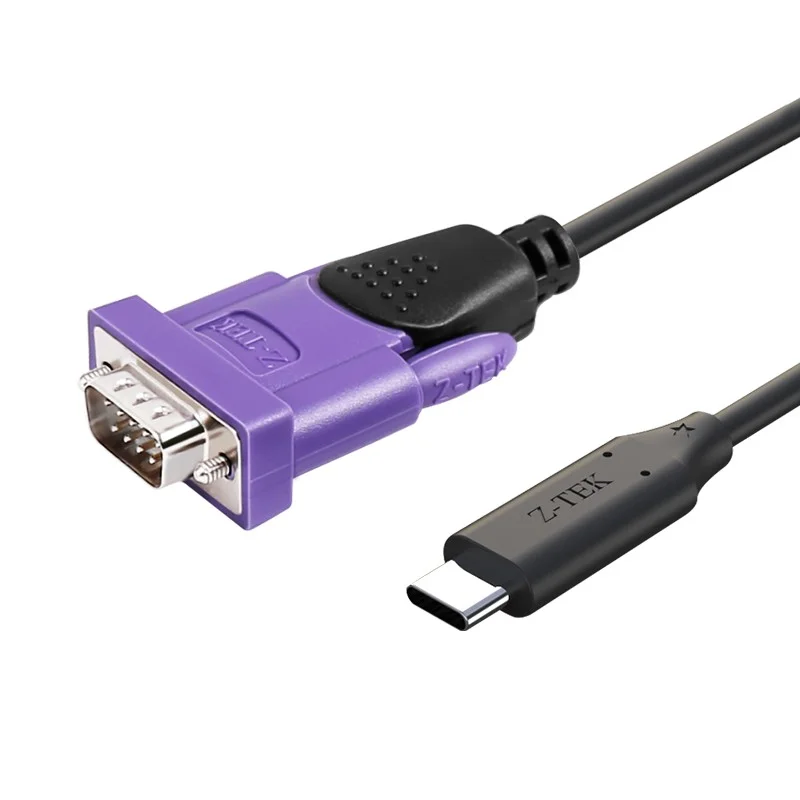
USBTerminal / RJ45 / DB9
View cableListed length options: 1.8 m
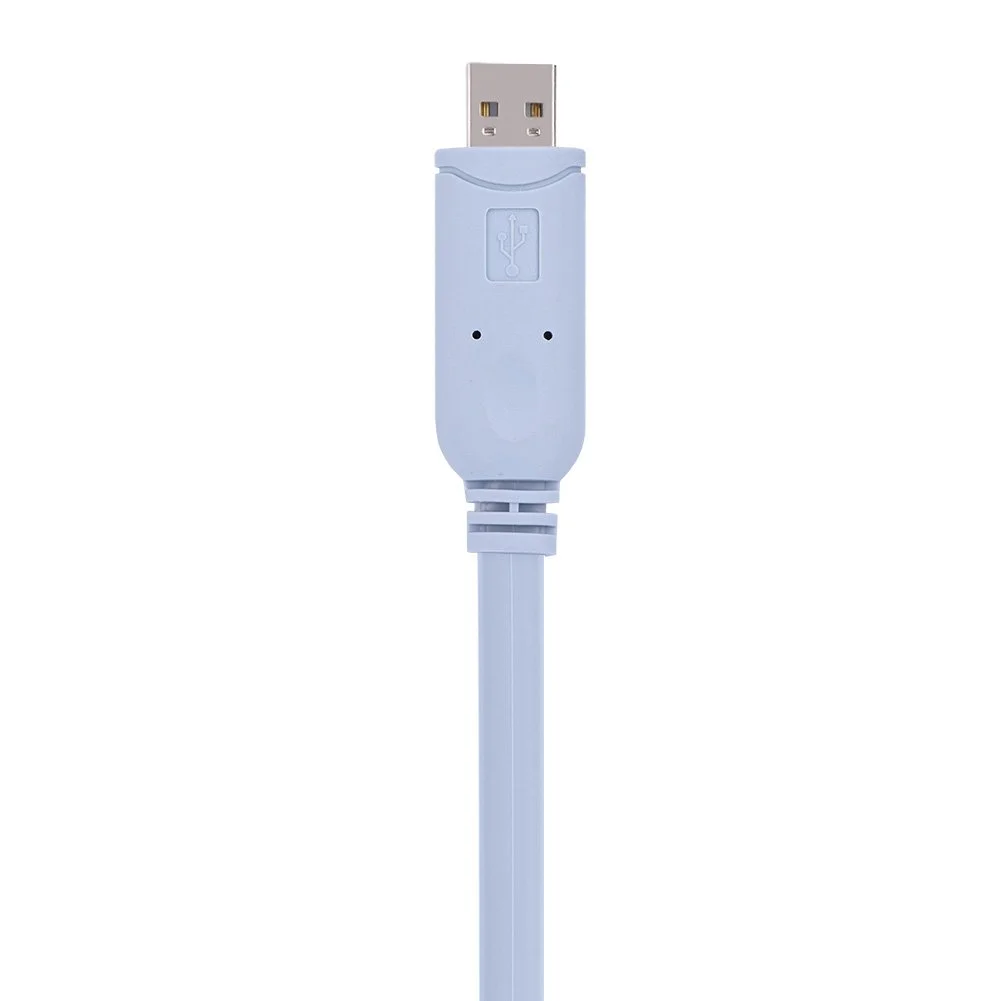
USB / RJ45 / RJ12Device console port
View cableListed length options: 1.8 m
A model number, connector pair or drawing is a useful place to start.
Confirm both equipment interfaces and pinouts.
Check mounting dimensions, orientation and available space.
Specify length, installation environment and movement.
Agree the drawing revision, sample and inspection requirements.
Request a quote…
Email: sales@qicable.com